The Mini-PC Revolution: Why You Might Not Need a Massive Tower for Your Next Homelab

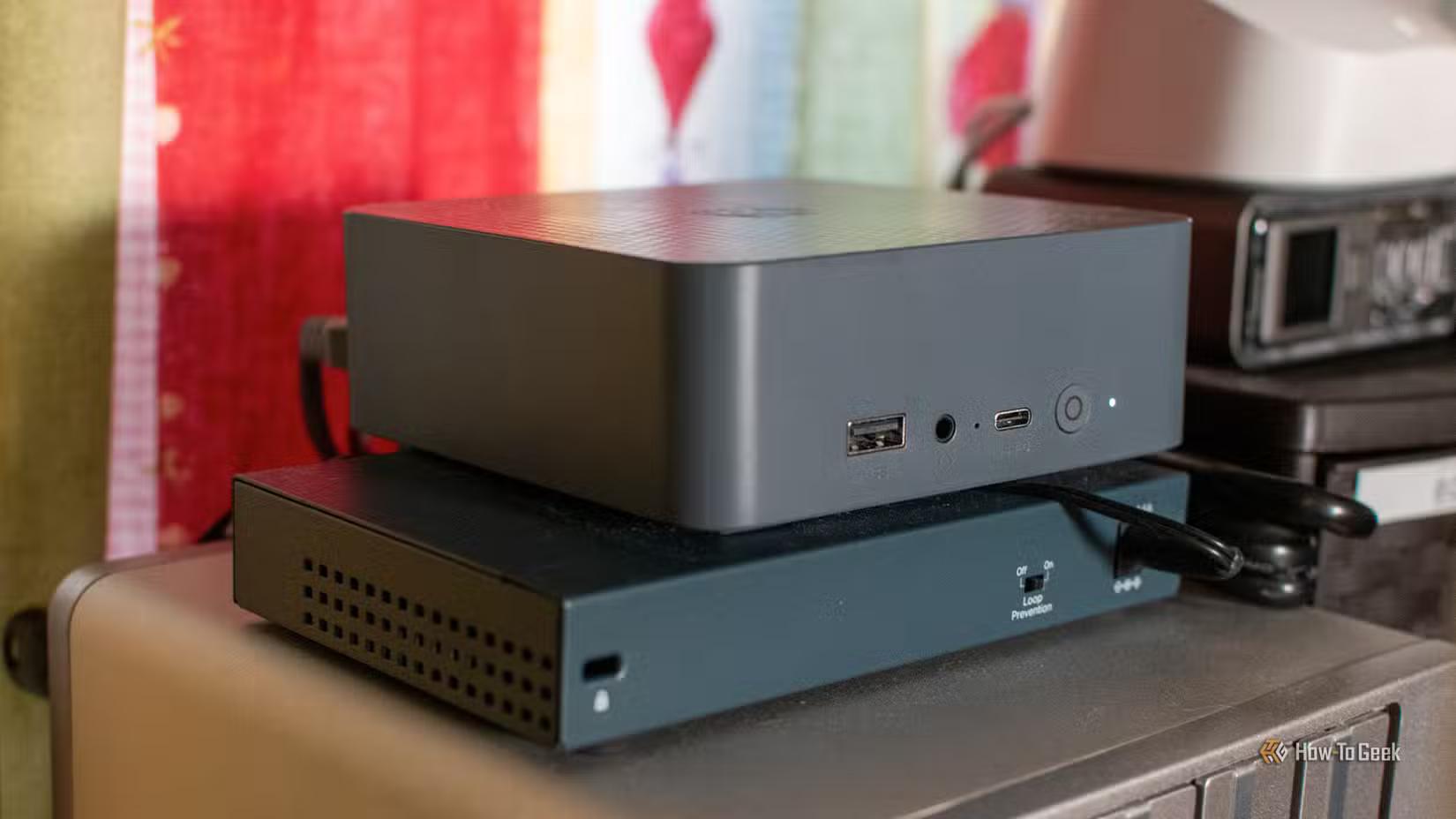
Deploying surplus enterprise rackmount gear in residential homelabs no longer makes economic sense. Legacy dual-socket Xeon servers pull an idle baseline of 120W to 180W while generating unacceptable acoustic noise. In contrast, modern mobile silicon—such as Intel Core Ultra and AMD Ryzen 7000/8000 series platforms—drops idle power draw down to 6W–15W. These chips offer substantially higher single-core instructions per clock (IPC) and superior compute-per-watt efficiency, eliminating the thermal overhead and ambient noise footprint of legacy enterprise iron.
Workload Comparison
| Metric / Feature | Mini-PC Cluster (3x Nodes) | Traditional 4U / Full Tower |
|---|---|---|
| Idle Power Consumption | ~18W – 45W total aggregate | 120W – 180W+ baseline |
| Acoustic Profile | Whisper-quiet (low-RPM blower/fans) | High-decibel chassis/blower fans |
| Mass Storage Topology | Restricted to dual M.2 NVMe per node | Multi-drive 3.5-inch SAS/SATA backplanes |
| High Availability (HA) | Native N+1 quorum failover (Proxmox/k3s) | Monolithic single point of failure |
| Expansion Capability | USB4 (40Gbps) / dual 2.5GbE native | Multiple full-height PCIe x16 slots |
| Primary Compromises | Non-ECC SODIMM RAM caps; no local multi-TB pools | High power bills, thermal dump, space demands |
| Optimal Use Cases | Microservices, container orchestration, light VMs | Multi-terabyte ZFS storage pools, heavy AI inference |
Architectural Trade-offs
Transitioning to ultra-compact form factors introduces hard hardware limitations that no software layer can fully bypass. Mini-PCs lack native 3.5-inch SAS or SATA drive bays, ruling out local multi-terabyte ZFS storage arrays. Memory capacity is physically restricted by two SODIMM slots, capping system memory at 64GB to 96GB of non-ECC DDR5. Furthermore, the absence of full-length, full-height PCIe expansion slots prevents the direct installation of dual-slot workstation GPUs, making these units unsuitable for bare-metal, high-throughput local AI model training and deep inferencing tasks.
The Cluster Strategy
A single monolithic enterprise tower introduces a single point of failure: an unseated power supply, board fault, or kernel panic brings down your entire virtualized infrastructure. Deploying three budget mini-PCs running Proxmox VE or k3s distributes workloads across a true quorum-backed cluster. Utilizing native dual 2.5GbE networking for cluster traffic and USB4 (40Gbps) for optional external 10GbE interconnects eliminates proprietary PCIe riser dependencies. If a node requires maintenance or experiences hardware failure, live migration and pod rescheduling ensure continuous uptime for core services—all while drawing less aggregate wall power than a single idling 4U chassis.
Summary and Buyer Guidance
Transition to mini-PCs if your homelab priorities center on containerized microservices, high-availability virtualization, and near-silent operation with minimal power draw. Deploy a three-node cluster configured with dual 2.5GbE interfaces to achieve hardware redundancy and maximize single-thread performance per watt. If your operational baseline strictly demands 100TB+ multi-disk ZFS storage pools, multi-hundred-gigabyte ECC memory allocations, or dedicated PCIe graphics cards for heavy AI inferencing, retain a centralized enterprise tower or dedicated NAS backplane for mass storage and offload compute workloads to the mini-PC nodes.
Written by Ilham Adli
Lead author covering infrastructure and web development.