
Modern Warfare 4 PC Requirements Explained: Which Tier Is Your GPU In?
MW4's three official PC spec tiers, what each one targets, and how the GPUs most Steam players own line up, plus the TPM and SSD rules people miss.
Table of Contents (5 sections)›
Quick take
- Confirmed: MW4 has three PC tiers. Minimum gets you playing, Recommended targets 90 FPS in multiplayer on High, and Ray Tracing targets 4K upscaled with high-quality ray tracing.
- Confirmed: Every tier needs a 115 GB SSD, TPM 2.0 and Secure Boot. A fast GPU won't help if any of those three are missing.
- My read: The five most common GPUs on Steam all meet the Recommended tier's 8 GB VRAM line. None of them is the card Activision names for ray tracing.
- Worth knowing: Activision's own pages disagree on one GPU. The blog and PC page list the RTX 3060 Ti as recommended, while some retail listings show the RTX 3060.
The official requirements, tier by tier
Activision published final PC specs on September 29, 2026, and the game launched on PC on October 23 through Xbox on PC, Battle.net and Steam (Call of Duty blog). All of the following is Confirmed from that post and the official PC page.
| Part | Minimum | Recommended | Ray Tracing |
|---|---|---|---|
| What it targets | Playable | 90 FPS in multiplayer, High settings | High-quality ray tracing at 4K upscaled |
| OS | Windows 10 64-bit | Windows 11 64-bit | Windows 11 64-bit |
| CPU (AMD / Intel) | Ryzen 5 1400 / Core i5-6600 | Ryzen 5 3600 / Core i7-8700K | Ryzen 7 3700X / Core i7-10700K |
| RAM | 8 GB | 16 GB | 32 GB |
| GPU (Nvidia) | GTX 970 / 1060 | RTX 3060 Ti | RTX 5070 Ti |
| GPU (AMD) | RX 470 | RX 6600 XT | RX 9070 XT |
| GPU (Intel) | Arc A580 | Arc B580 | Not listed |
| VRAM | 3 GB | 8 GB | 16 GB |
| Storage | 115 GB SSD | 115 GB SSD | 115 GB SSD |
Every tier also needs a broadband connection, DirectX 12, TPM 2.0 and Secure Boot. Intel Arc cards need Resizable BAR turned on, and only Intel or AMD CPUs with AVX support are listed as supported.
The jump from Recommended to Ray Tracing is large. RAM doubles from 16 GB to 32 GB, VRAM doubles from 8 GB to 16 GB, and the named GPUs move up to current-generation Nvidia and AMD cards. Treat the Ray Tracing tier as a separate goal, not the next small step up.
Where the most common Steam GPUs land
The five most-used GPUs in Valve's September 2026 survey all clear the Recommended tier's VRAM line. Here's how they line up against MW4's three tiers.
| GPU (Steam share, Sept 2026) | VRAM | Minimum | Recommended | Ray Tracing |
|---|---|---|---|---|
| RTX 5070 (6.15%) | 12 GB | Above | Meets VRAM; newer than the named card | Below the 16 GB VRAM line |
| RTX 5060 (4.40%) | 8 GB | Above | Meets VRAM exactly | Below |
| RTX 5060 Ti (4.06%) | 8 GB or 16 GB | Above | Meets VRAM | 16 GB version meets VRAM only; not the named card |
| RTX 4060 (3.89%) | 8 GB | Above | Meets VRAM exactly | Below |
| RTX 3060 (3.66%) | 12 GB (most models) | Above | Meets VRAM; one step below the named RTX 3060 Ti | Below |
Steam shares as reported by iXBT Games, from Valve's survey. VRAM figures are from Nvidia's product specs.
How I built this table. VRAM is the one requirement you can compare exactly, because it's a printed spec. GPU speed is harder. Activision names specific cards, and a different card can be faster or slower in ways a spec sheet won't show. So I only mark "Meets VRAM" where the numbers line up, and I don't claim any card hits 90 FPS.
The RTX 3060 problem. The RTX 3060 is the fifth most common GPU on Steam, and it's the trickiest case. Activision's PC tech blog names the RTX 3060 Ti as recommended. Some retail listings, including NZXT's guide citing the Steam page, show the plain RTX 3060. The 3060 Ti is the higher model in Nvidia's lineup. If you own a 3060, don't assume Activision's 90 FPS target applies to your card. Run the built-in benchmark and adjust from there.
Ray tracing. None of the top five is a listed Ray Tracing card. The 16 GB RTX 5060 Ti matches the VRAM figure, but VRAM is only one line on the list. If ray tracing at 4K matters to you, Activision's answer is an RTX 5070 Ti or RX 9070 XT.
The requirements people miss: SSD, TPM, RAM and Windows
Most "can I run it" checks stop at the GPU. MW4 has four other gates, and any one of them can stop the game launching.
1. The SSD is required, not recommended. Activision lists 115 GB on an SSD for every tier, and says mandatory updates may need more space (Call of Duty blog). My arithmetic: 115 GB is 11.5% of a 1 TB drive and 23% of a 500 GB drive, before any updates. (Windows shows a 1 TB drive as about 931 GB because it counts in binary units, but it counts the game the same way, so the share stays about 11.5%.) On a 500 GB boot drive with Windows and a few other games, that can fill up fast.
2. TPM 2.0 and Secure Boot must be on. Activision requires both on PC and says other security measures may be enforced (Activision Support). Windows 11 itself requires TPM 2.0, but Secure Boot is a separate BIOS setting that can be turned off. Check both in Windows before you buy.
3. 16 GB of RAM is the recommended line. In Valve's September 2026 survey, 32 GB was the most common amount at 42.22% and 16 GB was second at 37.82% (Neoteo, reporting Valve's data). Those two groups add up to 80.04% of participating systems, so most surveyed PCs are at or above MW4's recommended RAM. The Ray Tracing tier's 32 GB is a bigger ask, and RAM prices have risen sharply in 2026.
4. Windows 11 is recommended, and "latest update" matters. Minimum still lists Windows 10. But if you're on Windows 11 version 24H2 Home or Pro, Microsoft stopped sending it updates on October 13, 2026 and recommends moving to a newer version (Microsoft notice, via ElevenForum). Updating Windows is free and worth doing before anything else.
Will my PC run it? Five quick rules
Use these in order. If you fail an earlier rule, fix that before worrying about the later ones.
- Check the gates first. You need an SSD with at least 115 GB free, TPM 2.0 and Secure Boot on, a 64-bit Windows 10 or 11 install, and an Intel or AMD CPU with AVX. Fail any one and no GPU upgrade will help.
- Match your GPU's VRAM to a tier. Under 3 GB doesn't meet Minimum. 8 GB is the Recommended line. 16 GB is the Ray Tracing line. This is the one GPU comparison you can make exactly from a spec sheet.
- If your card is named, you know your tier. If it isn't, compare it with the named cards in a relative performance chart such as TechPowerUp's GPU database rather than guessing from the model number.
- Run the built-in benchmark before you change anything. Activision says MW4 includes a benchmark that shows average FPS, CPU and GPU load, and suggests settings (Call of Duty blog). It also auto-configures settings for your hardware. Your own numbers beat any requirements chart.
- Try upscaling before buying hardware. The game supports DLSS 4.5, FSR Redstone and XeSS 3. If you're just short of the frame rate you want, an upscaler setting costs nothing to try.
If you do decide to upgrade, rule 1 points to the cheapest fix most often: an SSD with room for 115 GB plus updates.
Products mentioned
As an Amazon Associate, Antquinox earns from qualifying purchases. Product availability and pricing are subject to Amazon.
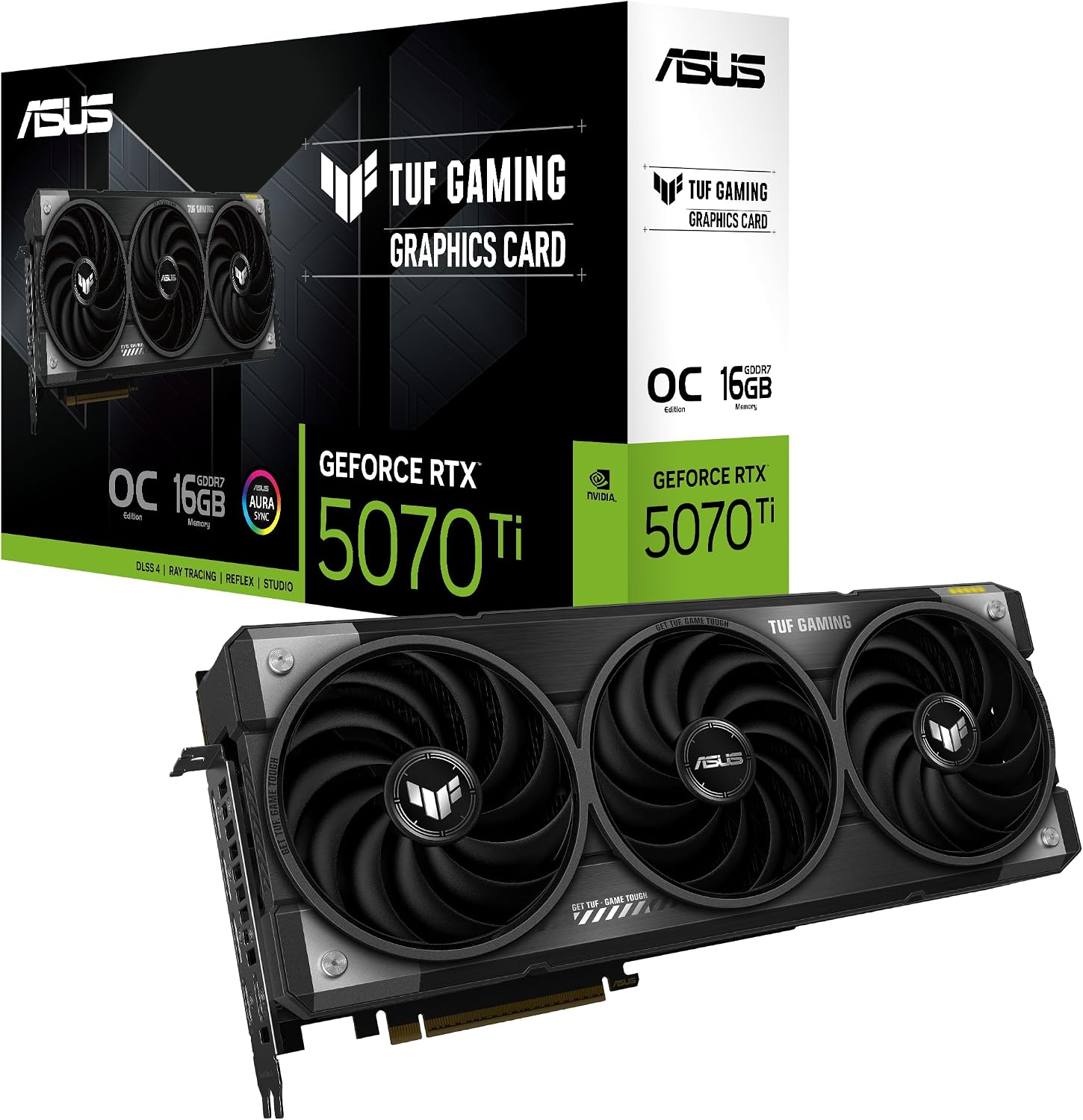
ASUS TUF Gaming GeForce RTX 5070 Ti
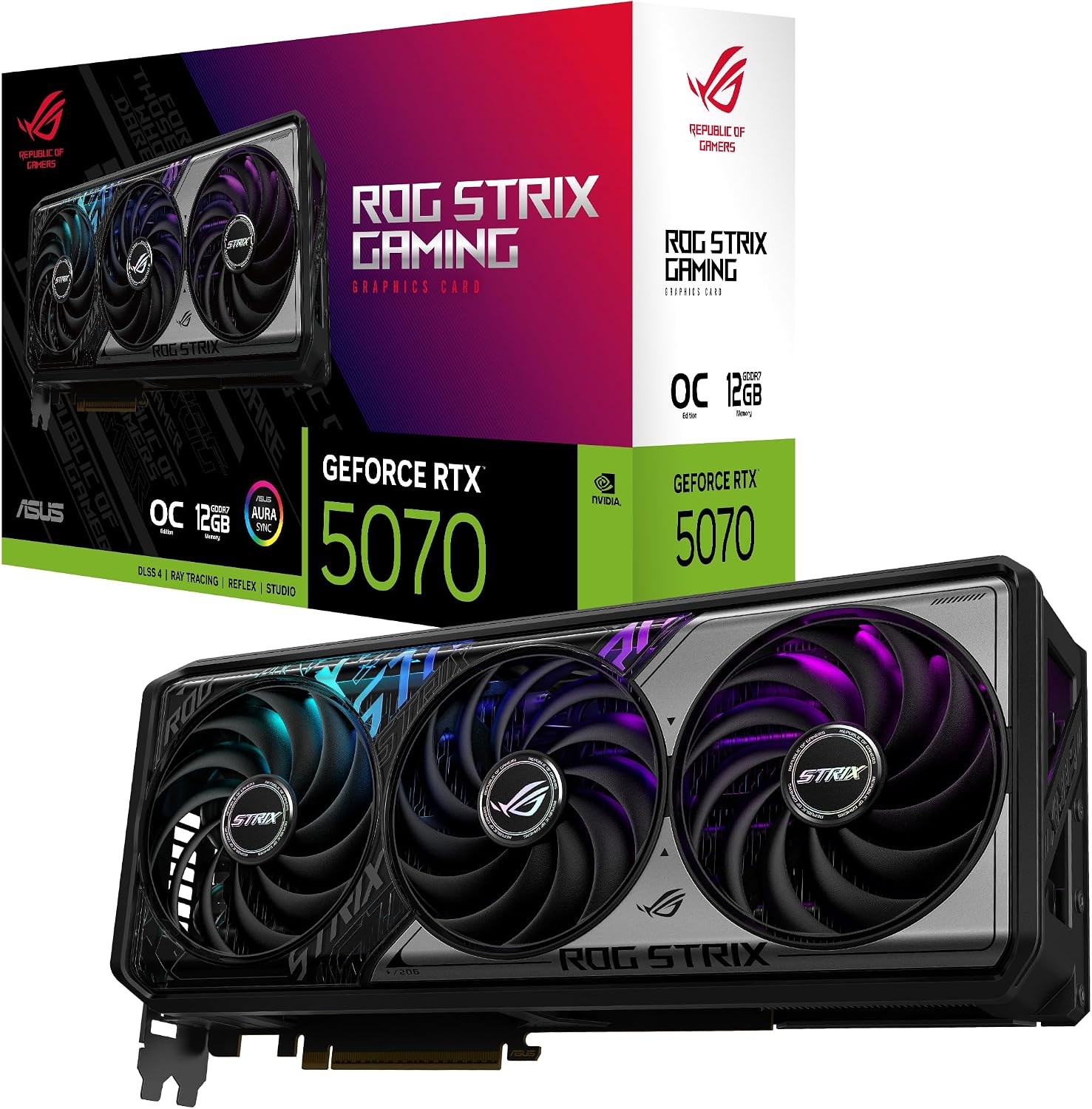
ASUS ROG Strix GeForce RTX 5070
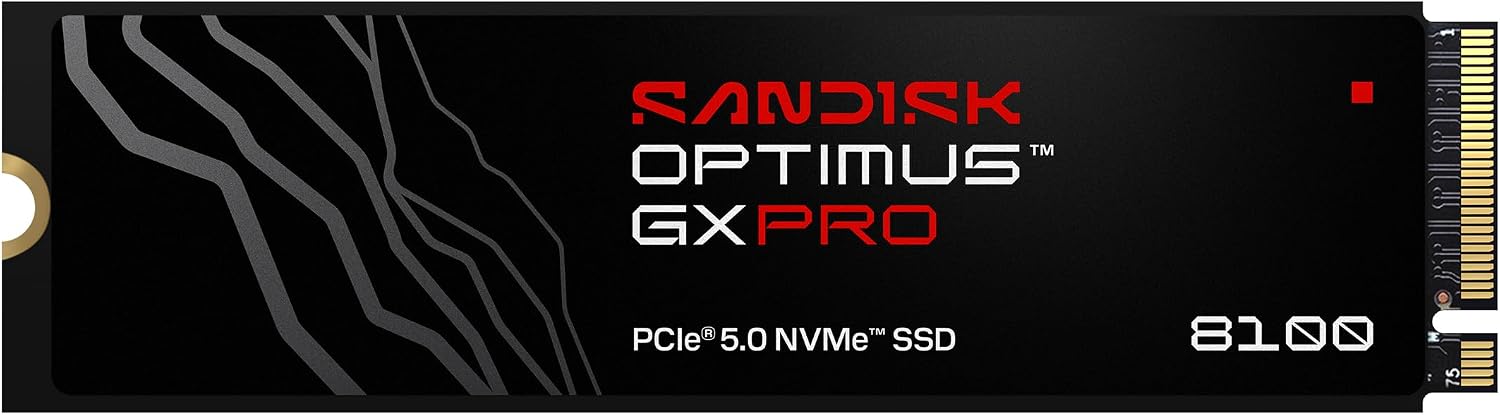
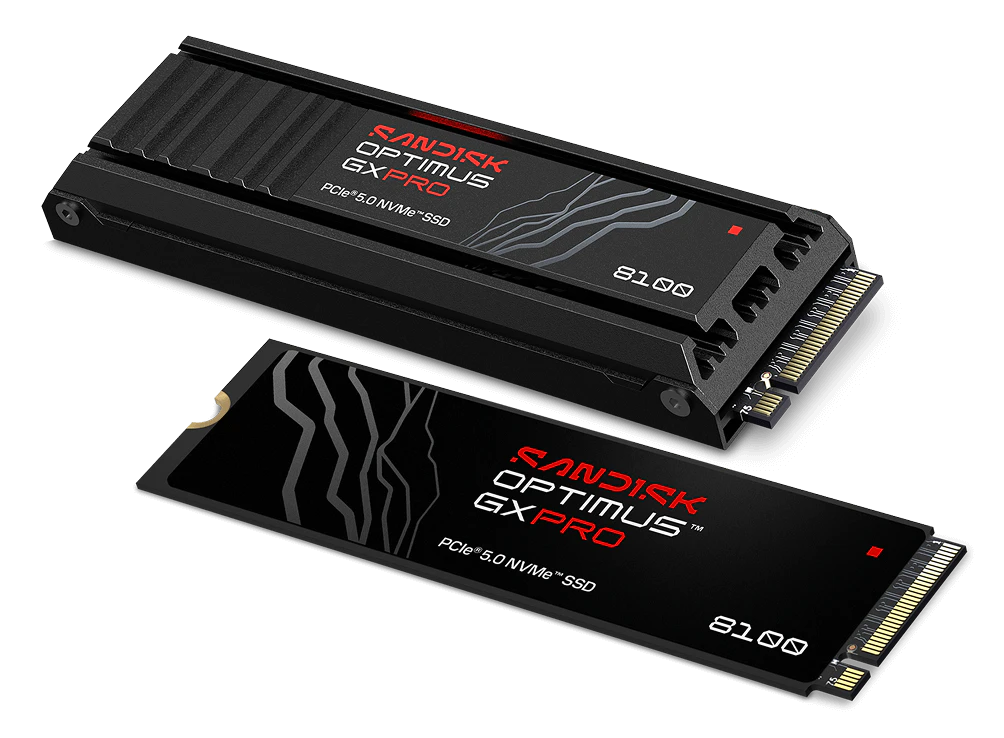
Sandisk Optimus GX PRO 8100 1TB