
WD_BLACK Is Now Sandisk Optimus: Which New Name Matches Your Old SSD
Sandisk renamed WD Blue and WD_BLACK SSDs as Optimus. Here's the old-to-new name map, what actually changed, and how to buy during the switch.
Table of Contents (5 sections)›
Research-based guide
I haven't tested this hardware. This article summarizes Sandisk's Optimus announcement and product pages, plus reporting from heise, NAS Compares and HotHardware, links every source, and adds my own explanation of what the numbers mean for buyers.
What Sandisk changed, and why
Sandisk announced the switch at CES on January 5, 2026, according to its own Optimus page. The WD Blue and WD_BLACK internal SSD lines now sit under one brand, SANDISK Optimus, split into three tiers.
The reason is corporate, not technical. Sandisk and Western Digital have separated over the past two years, with Sandisk keeping flash storage and Western Digital keeping hard drives, as heise explains. The WD names were among the last visible links to the old parent company. Optimus itself isn't new: heise notes Sandisk last used it on its own SSDs more than ten years ago.
The rebrand covers internal NVMe drives. The coverage I found doesn't say anything about external drives or other WD-branded products, so I'm not assuming they're affected.
Old name to new name
Four drives have confirmed new names, shown in Sandisk's announcement and reported by heise. The tier each one lands in follows the old product family.
| Old name | New name | New tier | Interface |
|---|---|---|---|
| WD_BLACK SN850X | Optimus GX Pro 850X | GX Pro (flagship) | PCIe 4.0 |
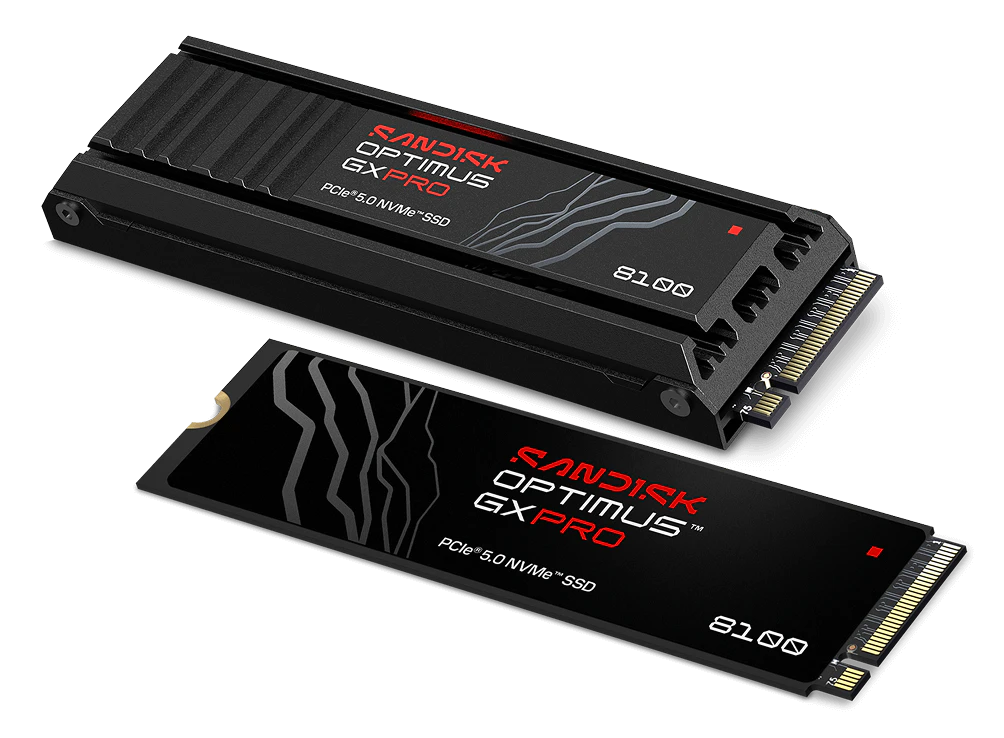
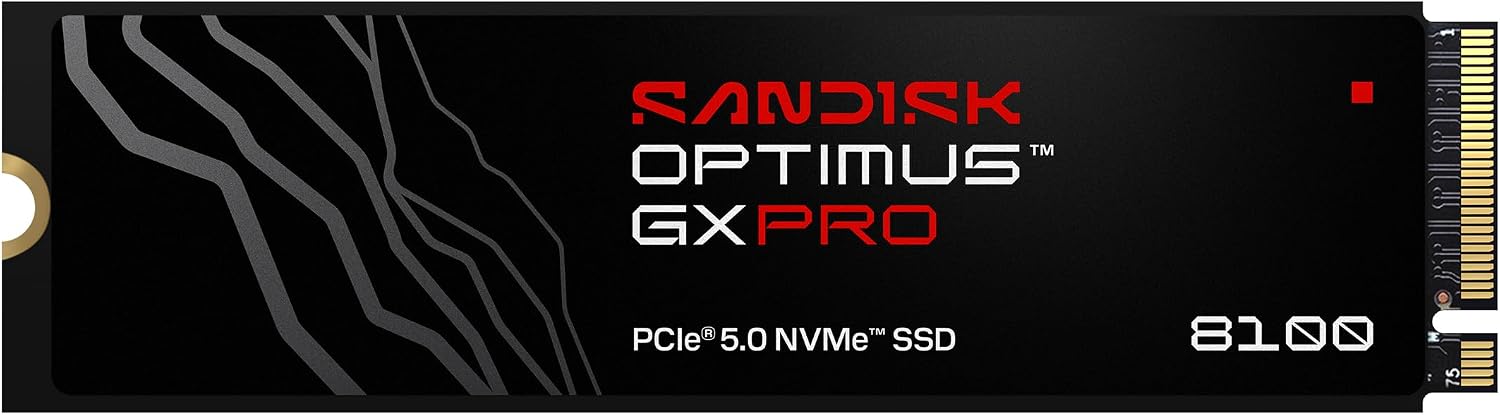
| WD_BLACK SN8100 | Optimus GX Pro 8100 | GX Pro (flagship) | PCIe 5.0 |
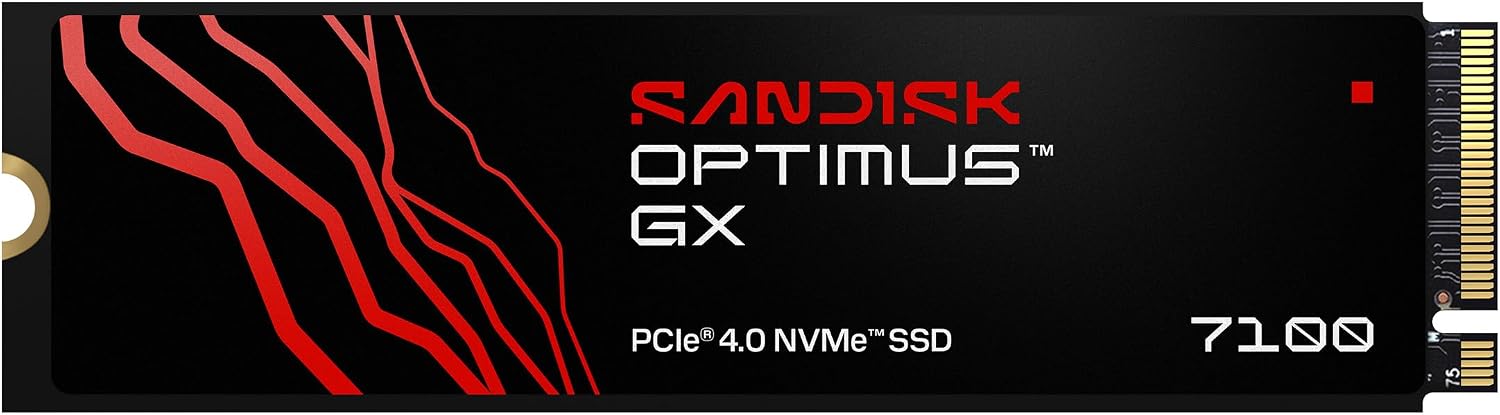
| WD_BLACK SN7100 | Optimus GX 7100 | GX (gaming) | PCIe 4.0 |
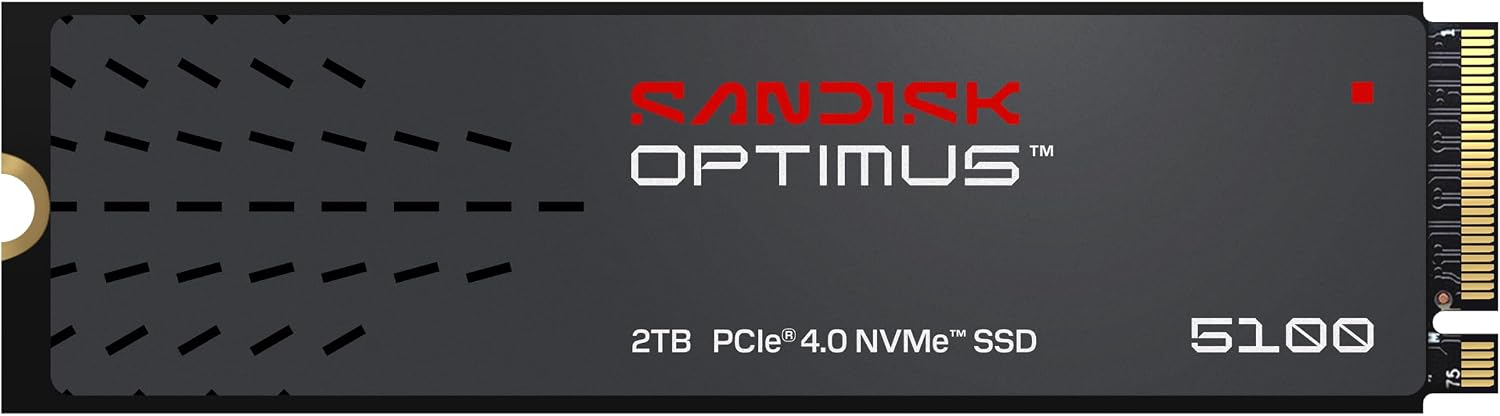
| WD Blue SN5100 | Optimus 5100 | Optimus (everyday) | PCIe 4.0 |
Interface details: SN8100 as PCIe 5.0 from NAS Compares; Blocks and Files reports the SN8100 as the Gen 5 model and the other WD Black and Blue drives as Gen 4.
The pattern by family, according to NAS Compares:
- WD Blue SN5xxx drives become Optimus.
- WD_BLACK SN7xxx drives become Optimus GX.
- WD_BLACK SN8xxx drives become Optimus GX Pro.
The SN850X is the exception to that pattern. Its number starts with 8, but it's a PCIe 4.0 drive, so the GX Pro label doesn't mean PCIe 5.0. Check the interface on the spec sheet, not just the tier.
One genuinely new drive arrived with the rebrand: the Optimus GX 7100M, a 30 mm (M.2 2230) drive for handhelds like the Steam Deck. It isn't a renamed WD drive. Its closest predecessor is the WD_BLACK SN770M (heise).
How to tell a renamed drive from a new one
The naming change follows a simple pattern, and once you see it, matching an old review to a new box is easy.
The rule I use: drop the "SN", replace the color with a tier name, keep the number. SN7100 becomes GX 7100. SN5100 becomes Optimus 5100. If the number is the same, it's the same product with a new label. Sandisk says performance and reliability stay consistent through the transition, according to NAS Compares. That matters because it means years of WD_BLACK reviews still describe the drive in the new box.
The exception: a new number or a suffix. The GX 7100M has an "M" for its mini 2230 size, and it's a different drive from the full-size GX 7100. Here's how its published specs compare with the WD_BLACK SN770M it follows, using heise's figures:
| Spec | WD_BLACK SN770M | Optimus GX 7100M | Change (my math) |
|---|---|---|---|
| Max sequential read | 5,150 MB/s | 7,250 MB/s | +41% |
| Max sequential write | 4,850 MB/s | 6,900 MB/s | +42% |
| Max random IOPS | 800,000 | 1,300,000 | +63% |
| Interface | PCIe 4.0 | PCIe 4.0 | Same |
The arithmetic: 7,250 ÷ 5,150 = 1.41, so 41% higher. 6,900 ÷ 4,850 = 1.42, so 42% higher. 1,300,000 ÷ 800,000 = 1.625, so 62.5%, which I've rounded to 63%.
These are maximum figures from the spec sheet, not measured results. A handheld may not reach a drive's full speed, since its port, power budget and cooling all set limits. So treat the percentages as "the new drive has more headroom," not "games will load 41% faster."
Endurance, for the 7100M: NAS Compares, citing Windows Central, lists 600 TBW for the 1 TB model and 1,200 TBW for the 2 TB model, with a 5-year limited warranty. My arithmetic: 600 TB written over 5 years is 120 TB a year, or about 329 GB a day. For scale, Activision lists Modern Warfare 4 at 115 GB, so that's roughly three MW4-sized installs every day for five years (329 ÷ 115 = 2.9).
Buying during the switch: six rules
Old WD boxes and new Optimus boxes will sit on the same shelves for a while. Sandisk planned to ship the new packaging in the first half of 2026, and heise expected old stock to take time to clear (heise).
- Same number, same drive: buy the cheaper box. A WD_BLACK SN7100 and an Optimus GX 7100 are the same product, so price is the only difference that matters.
- Your warranty doesn't change. Sandisk says drives you already bought keep their original warranty terms, and WD_BLACK stock will keep selling while it lasts (NAS Compares).
- Search reviews by number, not name. Search "SN7100 review" as well as "Optimus GX 7100 review." Most testing so far will be under the old name.
- Pick the tier by your build, then check the interface. For most gaming PCs, GX is the tier Sandisk positions for games. Pick GX Pro only if you want the flagship, and remember that only the 8100 is PCIe 5.0. A PCIe 5.0 drive only runs at full speed in a PCIe 5.0 M.2 slot, so check your motherboard manual first.
- For a handheld, check the length. Handhelds like the Steam Deck use 30 mm (2230) drives. The GX 7100M is the 2230 option. A full-size 2280 drive won't fit.
- Watch out for listings that mix names. Some stores may list a renamed drive as a "new model." If the number matches the old drive, it isn't a new model, so don't pay extra for the label.
If you're shopping for an SSD for a specific game, check its storage requirement first. Modern Warfare 4, for example, needs 115 GB on an SSD.
Products mentioned
As an Amazon Associate, Antquinox earns from qualifying purchases. Product availability and pricing are subject to Amazon.
Sandisk Optimus 5100 2TB
Sandisk Optimus GX PRO 8100 1TB
Sandisk Optimus GX 7100 1TB