
Nvidia RTX 5090 & RTX 5080 Power Supply Requirements: What Wattage Do You Actually Need?
Comprehensive power analysis for Nvidia Blackwell flagship GPUs: calculating sustained continuous draw, 600W 12V-2x6 cable limits, and recommended power supply wattages across Intel and AMD platforms.
Table of Contents (5 sections)›
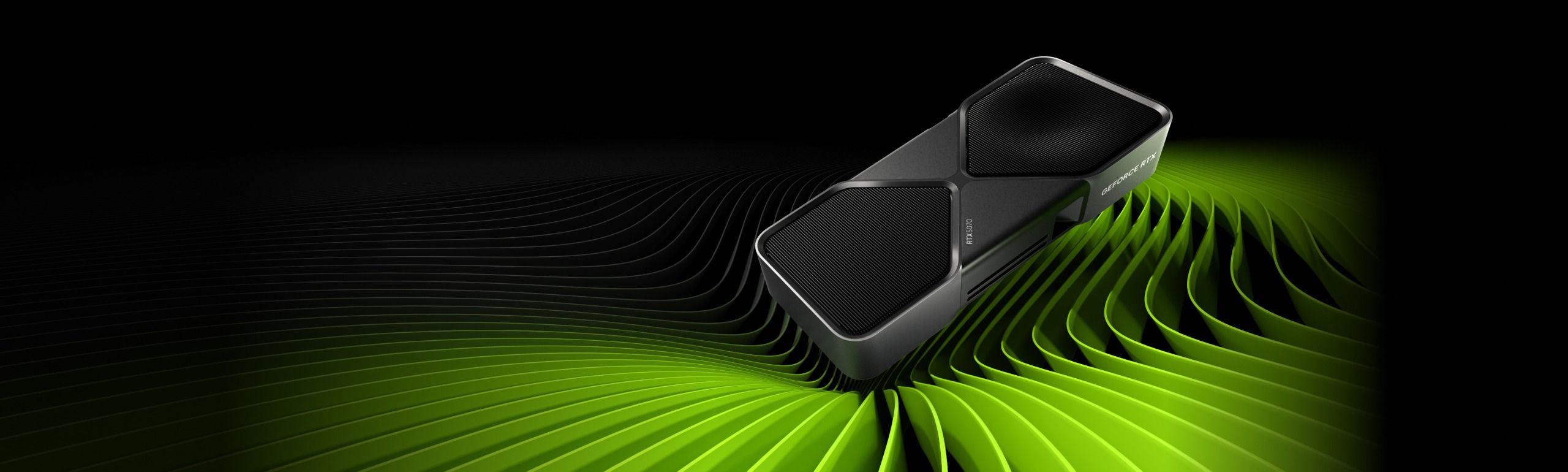
When planning a high-end PC build around Nvidia's Blackwell consumer flagship graphics cards—the GeForce RTX 5090 and GeForce RTX 5080—power supply selection is no longer an afterthought. With the RTX 5090 pushing continuous Thermal Design Power (TGP) targets toward 500W to 600W and utilizing high-speed GDDR7 memory across dense buses, under-sizing your power supply risks system instability, thermal throttling, and damaged components.
In this technical guide, we break down the real-world electrical demands of Blackwell flagships, how CPU pairings dramatically change your total wattage budget, and what power supply tiers you should target.
1. Sustained TGP vs. Transient Headroom on Blackwell Silicon
Understanding power supply sizing requires distinguishing between two distinct metrics: continuous thermal power and transient peak excursions.
- Continuous Power Draw (TGP): Under sustained rendering or gaming loads, a reference GeForce RTX 5080 draws approximately 350W to 400W, while an enthusiast-tier RTX 5090 with overclocked board limits can sustain 500W to 600W continuously through its single 12V-2x6 cable.
- Transient Excursion Headroom: During instantaneous compute bursts, peak excursions can spike up to 1.5x continuous draw for microsecond intervals. For an RTX 5090, this means power spikes can momentarily reach 750W to 900W on the GPU rail alone.
2. Why CPU Pairing Dictates Your Total PSU Sizing
The single biggest variable in choosing between an 850W, 1000W, or 1200W power supply is not just the GPU—it is your processor. Modern flagship processors feature radically different power profiles:
- High-Power Intel Platforms (Core i9-14900K / Core Ultra 9): Under unlocked power limits (PL2), high-end Intel processors draw 253W to 320W under heavy gaming and background compute loads. Pairing an unlocked Core i9 with an RTX 5090 pushes total continuous system draw above 850W, demanding a minimum of a **1000W to 1200W ATX 3.1 PSU**.
- High-Efficiency AMD 3D V-Cache (Ryzen 7 7800X3D / 9800X3D): Thanks to dense 3D V-Cache architecture, AMD's flagship gaming chips draw merely 65W to 90W during active gameplay. Pairing an RTX 5080 with a 7800X3D results in a lean 500W total sustained system draw, making a high-quality **850W ATX 3.1 PSU** completely safe and optimal.
3. Recommended PSU Wattage Matrix for RTX 50-Series
- RTX 5080 + Ryzen 7 7800X3D / 9800X3D: Recommended: **750W to 850W (ATX 3.1)**. Operates precisely within the 55%–65% peak efficiency sweet spot.
- RTX 5080 + Intel Core i7 / i9 / Core Ultra 9: Recommended: **850W to 1000W (ATX 3.1)**. Provides ample headroom for 250W+ CPU boost states.
- RTX 5090 + Ryzen 7 7800X3D / 9800X3D: Recommended: **1000W (ATX 3.1)**. Ensures sustained 600W GPU power delivery without strain.
- RTX 5090 + Unlocked Intel Core i9 / Workstation CPU: Recommended: **1200W to 1300W (ATX 3.1 / Cybenetics Platinum)**. Essential for dual multi-rail stability, custom liquid loops, and heavy multi-thread workloads.
4. Verify Your Build with Our Sizer
Every PC build is unique: adding multiple PCIe 5.0 NVMe drives, dozens of RGB fans, and high-draw water pumps shifts your power budget significantly.
Before finalizing your parts list, run your exact components through our interactive Transient Power & PSU Sizer to model your exact CPU power profiles, peripheral load presets, and Cybenetics efficiency curves.
12V-2x6 Cable Installation and Chassis Clearance Best Practices
When installing flagship Blackwell graphics cards drawing upwards of 500W through a single 12V-2x6 cable, cable routing geometry is critical to physical safety and connector longevity.
- The 35mm Straight Run Rule: Ensure the 16-pin cable extends perfectly straight for at least 35mm from the GPU connector shroud before initiating any bend toward the chassis side panel or grommet. Severe lateral or vertical cable tension increases contact resistance across internal terminals.
- Audible Latch Engagement Verification: Unlike older 8-pin PCIe cables that tolerate loose tolerances, the 12V-2x6 connector requires firm, level insertion until the top retention clip clicks audibly into place. Always inspect the connection with a flashlight to verify zero gap between the connector housing and the GPU receptacle.